What is a Convolution?
 A
convolution is one of the convex folds of the surface of the
brain, and you may feel like your brain is all crinkled up by
convolutions, but they are quite useful.
A
convolution is one of the convex folds of the surface of the
brain, and you may feel like your brain is all crinkled up by
convolutions, but they are quite useful.
A convolution is an image processing operation that operates by comparing neighboring pixels. Convolution filters are often encapsulated into one simple to use model called a convolution kernel that can perform a number of different functions that simulate real world effects.
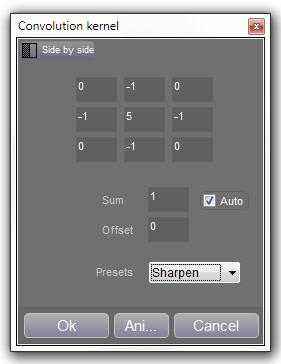
A convolution kernel is nothing more complex than a set of values that are used to blend neighboring pixels. The group is organized into a rectangle, here with 3 rows and 3 columns.
The center value represents the center pixel, and the value it will be multiplied by. Each surrounding pixel is also multiplied by a value, and then all the pixels are added together. To 'normalize' , or to keep the final value within a usable range, it is then divided by the sum of all the values. The convolution kernel filter shown here automatically calculates the sum for us. As an option, an 'offset' value can be added. It is useful for certain times, such as when you want to have an image based around gray.
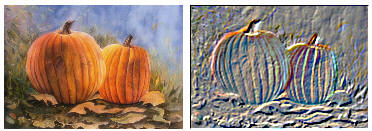
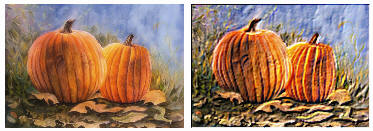
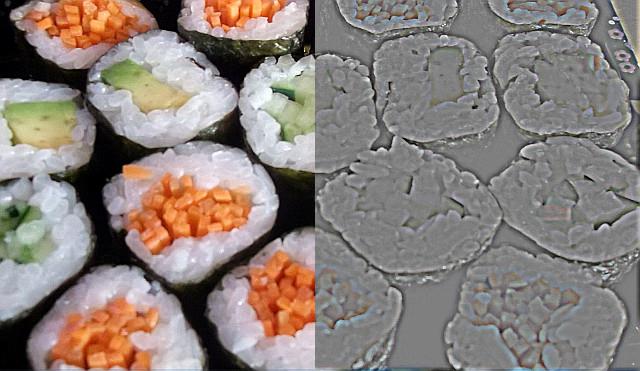
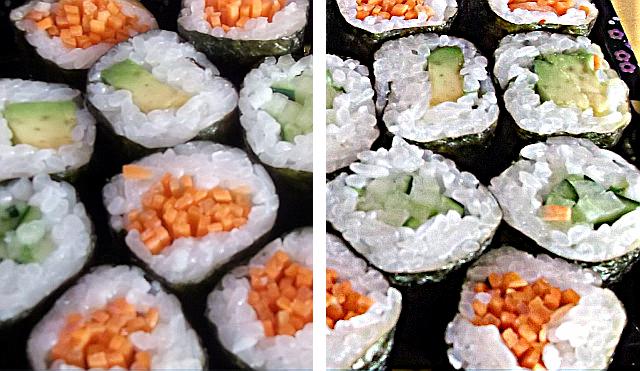
There are numerous effects that can be achieved with a convolution kernel. Included are blur, sharpen, edge detect, emboss, and more. Here are just a few examples:
|
1 |
1 |
1 |
|
-1 |
-1 |
0 |
|
1 |
1 |
1 |
|
1 |
1 |
1 |
-1 |
0 |
1 |
1 |
-8 |
1 |
||
|
1 |
1 |
1 |
0 |
1 |
1 |
1 |
1 |
1 |
||
|
Blur (box filter) |
|
Emboss |
|
Edge detect |
||||||
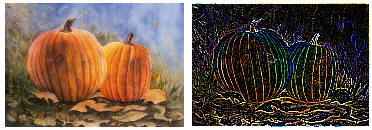
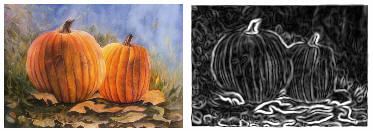
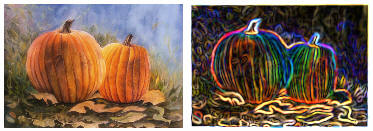
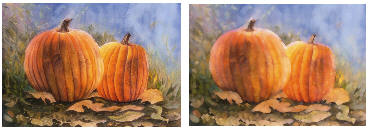
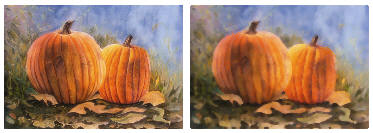
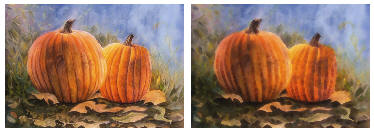
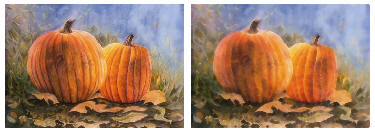
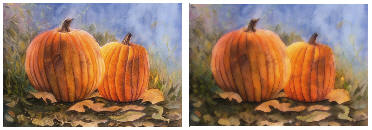
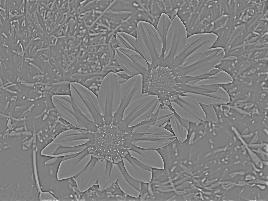
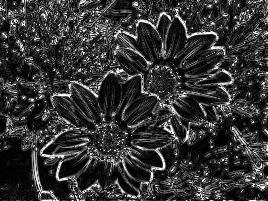
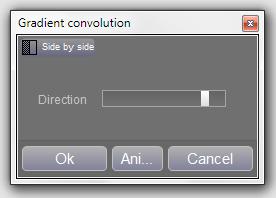 This
filter detects the gradient (slope) of an image based on
lightness. The resultant image can look very similar to an emboss
effect, but you have specific control over directionality. What's
really happening is the filter is determining slope. An upward
slope gets lighter, and a downward slope gets darker.
This
filter detects the gradient (slope) of an image based on
lightness. The resultant image can look very similar to an emboss
effect, but you have specific control over directionality. What's
really happening is the filter is determining slope. An upward
slope gets lighter, and a downward slope gets darker.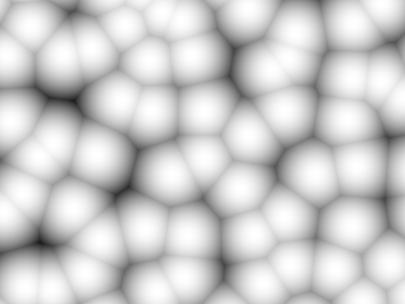

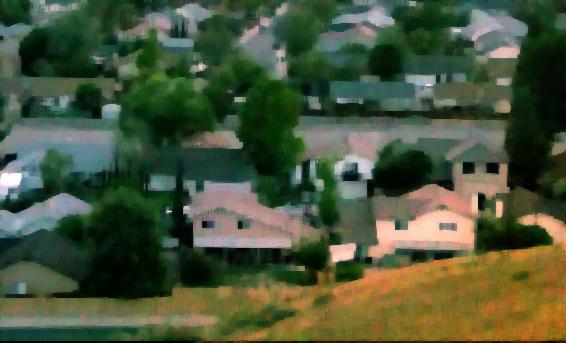
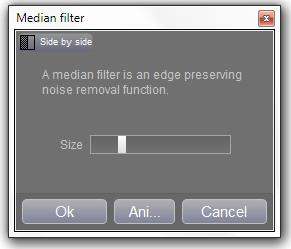 This
median filter lets you adjust the size of the input window, ie,
the number of pixels that are sorted. The middle value of all the
pixels is then used for the destination pixel.
This
median filter lets you adjust the size of the input window, ie,
the number of pixels that are sorted. The middle value of all the
pixels is then used for the destination pixel.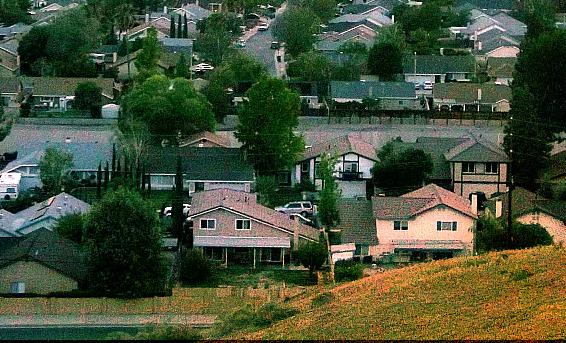
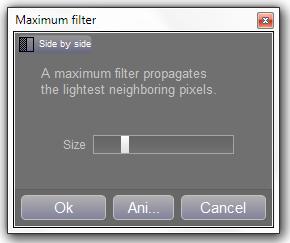 The
adjustable maximize filter compares the current pixel with a
number of neighboring pixels (controlled by Size) and sets the
current pixel to the maximum value off all the compared pixels.
The
adjustable maximize filter compares the current pixel with a
number of neighboring pixels (controlled by Size) and sets the
current pixel to the maximum value off all the compared pixels.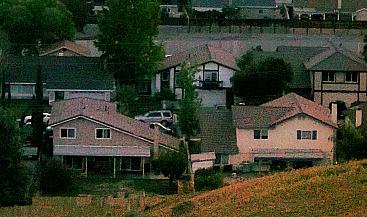
 The
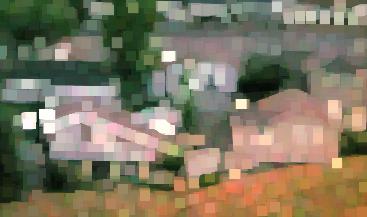
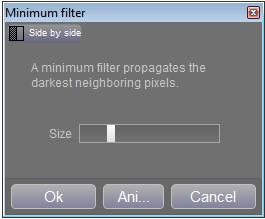
adjustable minimize filter compares the current pixel with a
number of neighboring pixels (controlled by Size) and sets the
current pixel to the minimum value off all the compared pixels.
The
adjustable minimize filter compares the current pixel with a
number of neighboring pixels (controlled by Size) and sets the
current pixel to the minimum value off all the compared pixels.